
Your Go-To Guide for Choosing and Installing the Best IPTV Apps
App installation guides are essential for anyone looking to dive into the world of Internet Protocol Television (IPTV). While the technology offers a flexible and content-rich alternative to traditional cable or satellite, the initial setup can seem intimidating. The key to a seamless experience lies in choosing the right application—the player that acts as your portal to streaming content. This guide will walk you through the top IPTV apps available today, explain what makes them great, and provide simple, step-by-step instructions for getting them running on your favorite devices.
What Exactly Is an IPTV App?
Before we dive into the recommendations, it’s crucial to understand the role of an IPTV app. Think of it as a media player, like VLC or Windows Media Player, but specifically designed for IPTV services. You need to have a subscription from an IPTV provider, which will give you a playlist (usually an M3U link) or login credentials. The app itself does not provide any content; it simply organizes and plays the channels and videos from your subscription in a user-friendly interface.
A great app enhances your viewing experience with features like:
Electronic Program Guide (EPG): A digital TV guide that shows you what’s currently playing and what’s coming up next.
Video on Demand (VOD): A well-organized library for movies and TV series included in your subscription.
User-Friendly Interface: Intuitive navigation that makes finding your favorite channels easy.
Cross-Platform Support: The ability to use the same app across different devices, from your smart TV to your phone.
Customization: Options to organize playlists, hide categories, and set up favorite channels.
The Best IPTV Apps for a Superior Streaming Experience
Choosing an app often comes down to the device you use most. Here are our top picks that deliver performance, features, and reliability across various platforms.
1. TiviMate
Often hailed as the gold standard for Android-based devices (like the Amazon Firestick, NVIDIA Shield, and Android TV boxes), TiviMate offers a sleek, modern interface that closely mimics the feel of a premium cable box. Its EPG is visually appealing and highly functional, making channel surfing a genuine pleasure. While there is a free version, the premium subscription unlocks its best features, including support for multiple playlists, scheduled recordings, and extensive customization.
Best for: Android TV and Firestick users seeking a premium, highly customizable experience.
Key Feature: Industry-leading EPG interface.
2. IPTV Smarters Pro
IPTV Smarters Pro is the versatile workhorse of the IPTV world. It’s available on almost every platform you can think of, including Android, iOS, Windows, macOS, and even Smart TVs. Its biggest advantage is its straightforward setup process—it works seamlessly with both M3U links and the more user-friendly Xtream Codes API (username/password). The app neatly separates live TV, movies, and series, providing a clean and organized experience for all users.
Best for: Users who want a reliable app that works on multiple devices, including non-Android ones.
Key Feature: Excellent cross-platform compatibility.
3. GSE Smart IPTV
For Apple users, GSE Smart IPTV is a fantastic choice. It’s one of the most popular and feature-rich IPTV apps on the iOS App Store. It supports a wide range of playlist formats and offers robust features like Chromecast support, parental controls, and a dynamic EPG. Its interface is clean and functional, making it a powerful tool for streaming on your iPhone, iPad, or Apple TV. It’s also available on Android, making it a good cross-platform option.
Best for: iPhone, iPad, and Apple TV users looking for a powerful and feature-complete app.
* Key Feature: Strong support for the Apple ecosystem.
Detailed IPTV App Installation Guides for Every Device
Once you’ve chosen an app, it’s time to get it installed. The process varies slightly depending on your device.
For Amazon Firestick & Android TV Boxes
Since many powerful apps like TiviMate are not on the official Amazon Appstore, you’ll need to “sideload” them. It’s easier than it sounds.
1. Enable Unknown Apps: On your Firestick, go to Settings > My Fire TV > Developer Options. Turn on “Apps from Unknown Sources”. (On newer devices, you may need to select “Install unknown apps” and then enable it for the Downloader app in the next step).
2. Install the Downloader App: Search for “Downloader” on the Firestick home screen and install this free utility.
3. Download the IPTV App: Open Downloader and enter the direct download URL for the IPTV app’s APK file (you can find these with a quick search for your chosen app’s official site).
4. Install: Once the download is complete, the installation screen will pop up. Click “Install” and you’re done!
For Android Smartphones and Tablets
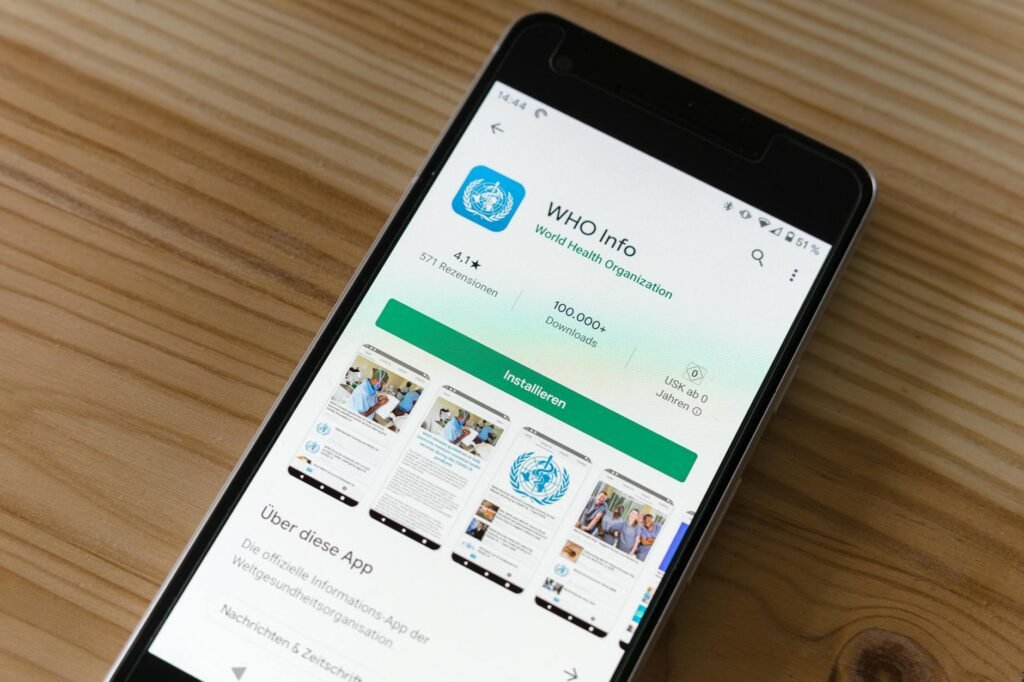
This is the simplest method. Simply open the Google Play Store, search for your chosen app (e.g., IPTV Smarters Pro or GSE Smart IPTV), and tap “Install.”
For iOS (iPhone/iPad) and Apple TV
Similar to Android phones, the process is straightforward. Open the App Store, search for GSE Smart IPTV or IPTV Smarters, and tap “Get” to install it on your device.
Configuring Your IPTV Service
After installing the app, you need to add your IPTV subscription. You will typically be presented with two options:
1. Load Your Playlist / M3U URL: Your provider will send you a long web address. Simply copy and paste this URL into the app. You may also need a separate EPG URL.
2. Login with Xtream Codes API: This is the easiest method. Your provider will give you a Username, a Password, and a Server URL. Enter these three pieces of information, and the app will automatically load all your channels, VOD, and EPG data.
Final Thoughts: Elevate Your Viewing
The world of IPTV offers incredible choice and flexibility, and the right app is your key to unlocking its full potential. By choosing a player like TiviMate for its premium feel, IPTV Smarters for its versatility, or GSE Smart IPTV for its Apple support, you’re setting yourself up for success. Following these simple app installation guides will get you past the technical hurdles and straight to enjoying a world of content, right at your fingertips.
Related posts
Best IPTV Apps for Effortless Streaming
Choosing the right IPTV player is the key to great streaming, and our simple app installation guides make the setup process a breeze. Lets find you the perfect app for an effortless and enjoyable entertainment experience.
Best IPTV Apps: Essential & Effortless Installs
Getting started with IPTV can feel daunting, but our simple app installation guides will have you set up and streaming your favorite content in no time.